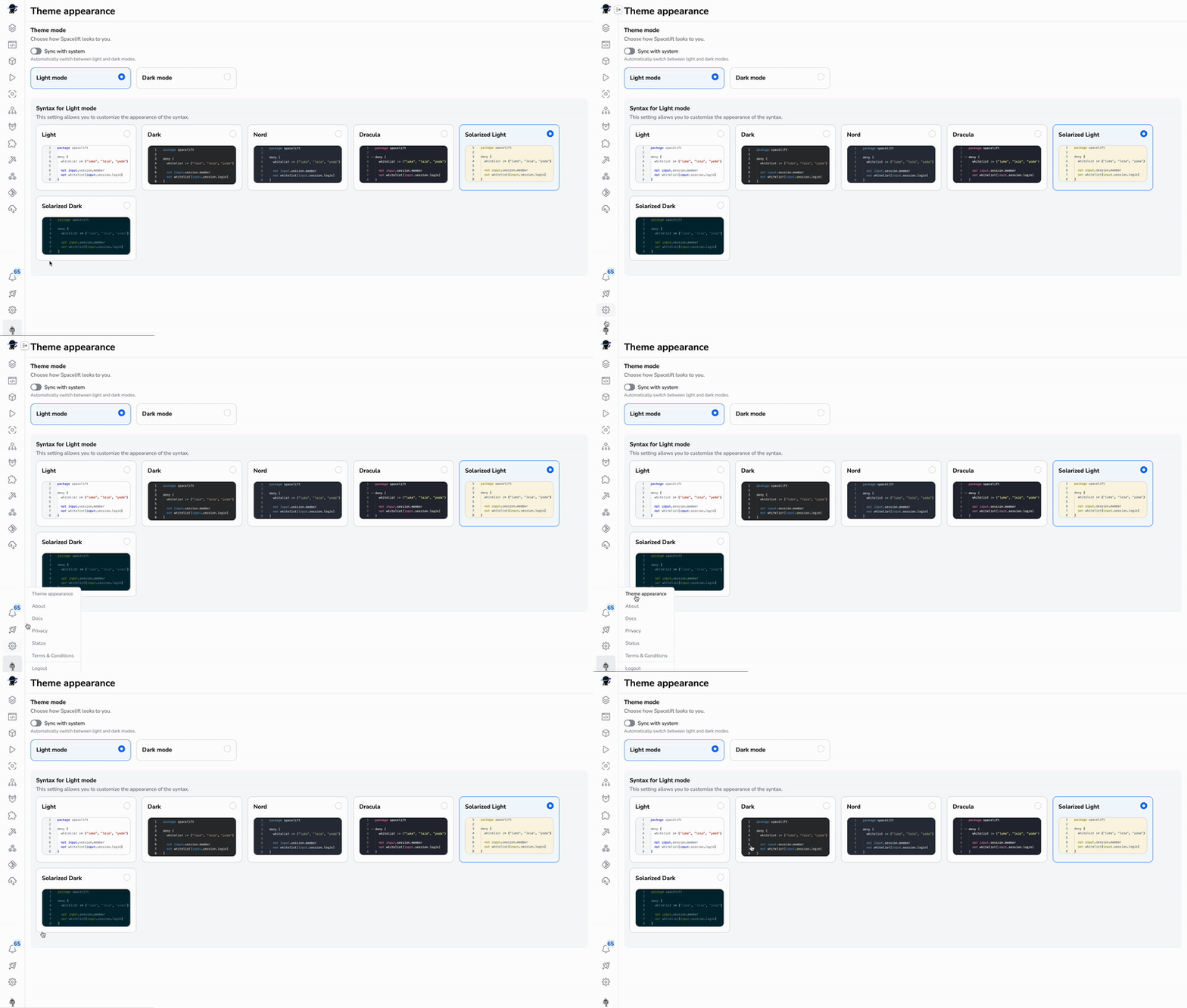
Customize your text editor color scheme
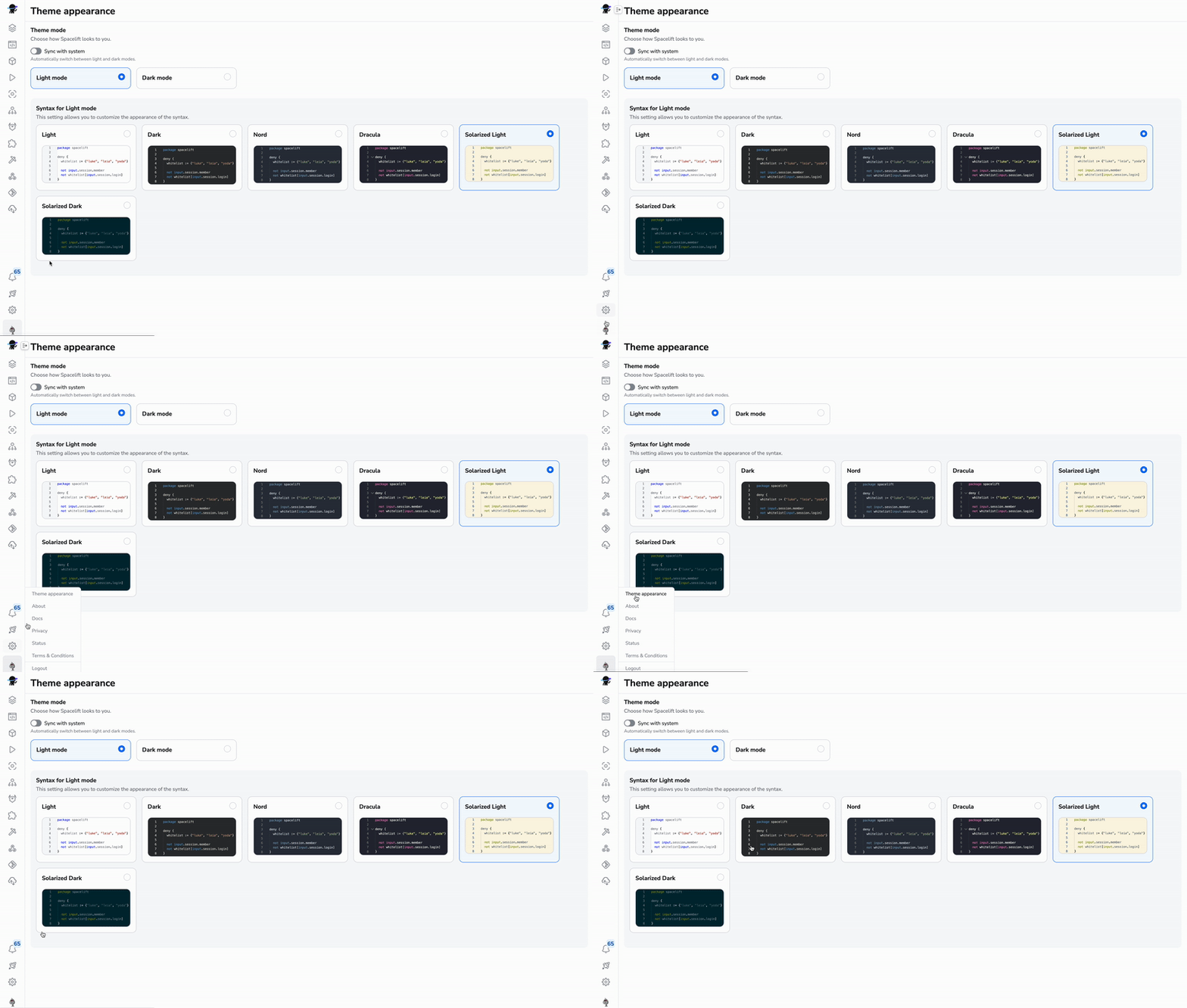
We're excited to announce a UX improvement - Spacelift now allows you to choose your preferred color scheme for both dark and light modes! Now you can work more comfortably with Blueprints and Policies.
To access this new setting, simply click on the user avatar image in the bottom left corner and choose the "Theme appearance" menu item. There you'll see a list of available appearance schemes to choose from. You can select your preferred theme for both dark and light modes.